 Meta Verified Tech Provider · 0% markup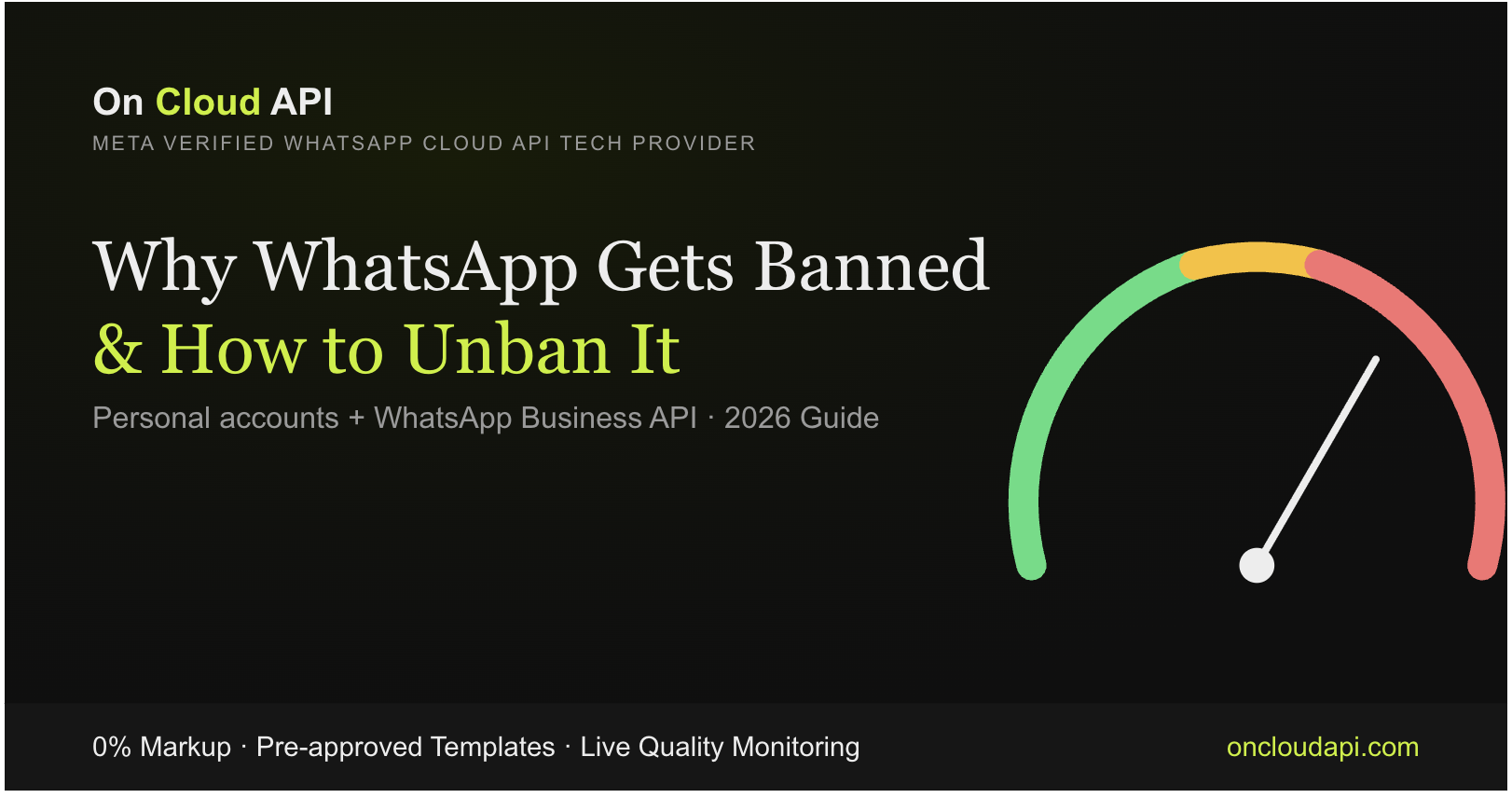
WhatsApp Ban and Unban Guide · 2026
Why WhatsApp Gets Banned and How to Unban It
A WhatsApp ban rarely comes from nowhere. Whether it is your personal number or a business number on the WhatsApp Business API, there is almost always a pattern behind it: messages people did not want, tools WhatsApp does not allow, or a quality score that kept slipping. This guide explains the real causes, how Meta escalates from warning to block, how to appeal for each type of account, and how to stay safe afterwards.
By On Cloud API team · Updated
- Quick answer
- Key takeaways
- Ban or restriction?
- Top reasons numbers get banned
- Quality rating explained
- Messaging limits
- Warning signs
- How to avoid a ban
- Recover and appeal (Business API)
- Unban a personal number
- Roman Urdu mein jawab
- The safer path: the official API
- Pakistan, India, UAE, UK, USA, Canada
- FAQs
- Sources
Quick answer: why does WhatsApp get banned?
WhatsApp bans numbers when people react badly to messages or when rules are broken. The common causes are messaging people who never opted in, many blocks and reports, the wrong template category, sudden volume spikes, bought or scraped lists, prohibited content, and unofficial bulk-sender tools or modified apps like GB WhatsApp.
Key takeaways
- Meta's own enforcement for Business API accounts escalates: warning, short block, longer block, account lock, then removal.
- Negative feedback from recipients (blocks and reports) is the signal that matters most.
- Fix the cause before you appeal, or the restriction will come back.
- Only WhatsApp or Meta can lift a ban. Paid "unban services" do not exist in any legitimate form.
- For business volume, use the official API, never the free app or grey-market senders.
Is it a ban or just a restriction?
Not every warning is a permanent ban. A warning tells you to stop something. A temporary restriction blocks some or all sending for a set time. A lock or permanent ban stops the account and needs a formal appeal. Work out which one you have first, because the recovery path is different for each.
| Type | What it looks like | How serious |
|---|---|---|
| Warning | A notice that activity may break the rules | Low. Act now to stop it escalating |
| Temporary restriction | Sending blocked or throttled for a period; countdown on a personal account | Medium. Fixable |
| Account lock | Sending blocked until an appeal succeeds | High. Needs an appeal |
| Permanent ban or offboarding | "This account is not allowed to use WhatsApp", or removal from the platform | Highest. Not guaranteed to reverse |
What are the top reasons WhatsApp numbers get banned?
Almost every ban traces back to a few habits: messaging people who did not opt in, attracting blocks and reports, putting promotions in the wrong template category, sending sudden blasts, using bought lists, breaking content rules, or using unofficial tools. The first and the last are the most common, and both are avoidable.
- Messaging people who never opted in. Sending templates to contacts who never agreed looks like spam, and recipients treat it that way.
- A high block and report rate. Meta names excessive negative user feedback as a reason it can limit or offboard an account.
- The wrong template category. Meta lists template misclassification as an enforcement trigger, such as promotions inside a utility template.
- Sudden volume spikes. A new number that blasts thousands of messages at once looks like abuse.
- Bought or scraped contact lists. No consent means high complaints.
- Prohibited or misleading content. Meta's policies restrict categories such as adult content, gambling, drugs and scams.
- Unofficial tools and modified apps. Grey-market bulk senders and clones like GB WhatsApp are a leading cause of bans, especially on personal numbers.
- Low engagement. Messages that people ignore also drag your standing down over time.
What does the WhatsApp quality rating mean?
Meta scores a business number on how recent recipients reacted, shown as green (high), yellow (medium) or red (low). A low rating can limit how much you are allowed to send and stops you moving up messaging levels. Pause campaigns and improve targeting and content when the rating drops.
Healthy. Customers welcome your messages.
Warning zone. Blocks and reports are rising. Tighten targeting.
Danger. Sending can be limited. Pause and fix the cause.
You can see the rating in your WhatsApp Business tools. Meta explains it in About your WhatsApp Business phone number's quality rating, and we cover practical fixes in how to protect your quality rating.
How many messages can a WhatsApp Business API number send?
Per Meta, a new business portfolio can message 250 unique users in a moving 24-hour period outside the customer service window, and the limit is set for the whole portfolio, not per number. It can rise to 2,000 and beyond as you complete the scaling path and keep message quality high.
| Level | Unique users in a moving 24 hours | How you move up |
|---|---|---|
| Start | 250 | Newly created business portfolio |
| Next | 2,000 | Complete Meta's scaling path; Meta reviews message quality |
| Higher | Up to unlimited | Sustained quality and volume. Check Meta's page for the current levels |
Meta's page also says automatic scaling can lift your limit by one level within 6 hours if you used at least half of it in the last 7 days and your messages were high quality. Customer-started conversations do not count against this limit. Because Meta changes these numbers, read the current messaging limits page before you plan a campaign.
There is also a separate limit on how many marketing templates one person can receive from all businesses. If a message fails with error 131049, Meta chose not to deliver it to protect the user's experience. Meta does not publish a fixed daily number, so the answer is better targeting and consent, not workarounds.
What warning signs come before a ban?
Meta usually warns first. Typical signs are a notice that your account may be restricted, a restriction that stops new conversations, or a quality rating dropping to yellow or red. Treat each as the last chance to change behaviour, because Meta's steps get longer and harsher if the same problem repeats.
Meta's documentation describes the escalation for Business API accounts: first a warning that names the policy, then a block of 1 or 3 days on templates, then a block of 5, 7 or 30 days on all messages, then an account lock that only an appeal can lift, and finally removal from the platform if the business keeps breaking the rules after multiple warnings. Severe violations such as scams can lead to immediate removal. The full rules are in Meta's policy and spam enforcement document.
| Step | What Meta applies |
|---|---|
| 1. Warning | A notice naming the policy you broke |
| 2. Short block | 1 or 3 days blocked from sending templates and adding numbers |
| 3. Longer block | 5, 7 or 30 days blocked from sending all messages and adding numbers |
| 4. Account lock | Sending blocked until an appeal succeeds |
| 5. Removal | Permanent offboarding if the behaviour continues |
How can I avoid a WhatsApp ban?
Message only people who opted in, use the right template category, grow volume gradually, make opting out easy, send things people want, watch your quality rating, and use the official API through a verified provider. Avoid bought lists, mass blasts to cold contacts, modified apps and grey-market senders.
- Collect clear opt-in (website checkbox, QR code, Click-to-WhatsApp)
- Use utility for transactional and marketing for promotions
- Warm up new numbers and grow gradually
- Honour opt-outs immediately
- Pause at the first yellow rating
- Blast the same message to a huge cold list
- Buy, scrape or recycle contact lists
- Use GB WhatsApp, WhatsApp Plus or bulk-sender tools
- Disguise promotions as utility messages to save on fees
- Ignore repeated reports or low engagement
Read the WhatsApp Business Messaging Policy once, then see our guides to using automation without getting banned and official versus unofficial APIs.
How do I recover and appeal a banned WhatsApp Business API account?
Work out whether it is a restriction or a full lock, then request a review from Business Support Home: pick the account and violation, click Request Review, and explain what happened and what you fixed. Meta says a decision typically arrives in 24 to 48 hours. Not every spam violation can be appealed, and success is never guaranteed.
- Diagnose it. Check whether the problem is a block on templates, a block on all messages, or a locked account.
- File the review. In Business Support Home, select the account, choose the violation, click Request Review and describe the issue clearly and factually.
- Fix the root cause first. Remove contacts without consent, correct template categories and stop any unofficial tools. If you reopen without fixing it, the restriction will return.
- Wait for the decision. It appears under the In Review tab. A reversal restores the previous status.
- Rebuild on a compliant setup. Going back to the free app or grey tools to scale is the fastest way back to a ban.
My personal WhatsApp number is banned. How do I get it back?
Only WhatsApp can lift a ban on a personal account. If the ban screen shows a review option, use it once with a short, honest explanation. Stop using modified apps like GB WhatsApp, reinstall the official app, and wait. No tool or agent can force the review, and you should not pay anyone who claims they can.
What is the difference between a temporary and a permanent ban?
A temporary ban usually shows a countdown. Common triggers include using a modified app, sending too many messages too quickly, adding people to groups in bulk, or logging in and out of devices repeatedly. Wait it out and do not keep re-registering. A permanent ban says the account is not allowed to use WhatsApp, has no timer and needs a formal review, which is not guaranteed.
What are the steps to request a review?
- Open WhatsApp on the banned number and look for the review or support option on the ban screen.
- Write a short, honest explanation with your number in full international format. Submit once. Repeated requests do not help.
- Remove the cause. Uninstall modified apps and stop bulk-sending or auto-forwarding tools.
- Wait for the response. WhatsApp does not promise a timeline. If no review option appears at all, the ban may not be appealable.
WhatsApp's own page on account bans on the WhatsApp Business app explains the reasons and the review option for business app accounts.
How do I stop it happening again?
Use only the official WhatsApp app, turn on two-step verification, avoid sending near-identical messages to many unknown contacts, and stay out of auto-forwarding chains. If your real need is sending business messages at volume, a personal number was never built for that; the official API is.
WhatsApp ID banned ho jaye to kaise thek karein?
Pehle dekhein ke personal number banned hai ya Business API. Personal number mein ban screen par review ka option use karein aur GB WhatsApp jaisi modified app hata dein. Business API mein Business Support Home se Request Review karein. Sirf WhatsApp ya Meta ban hata sakta hai, koi "unban service" nahi.
WhatsApp number kyun ban hota hai?
Aam wajah: bina ijazat ke logon ko messages bhejna, bohat zyada block aur report, modified WhatsApp app, aur khareedi hui contact lists. Business account mein galat template category aur achanak bohat zyada messages bhi wajah banti hain.
Banned WhatsApp number ko kaise unban karein?
Ban screen par review request ek hi baar bhejein, saaf aur sachchi wajah likhein, aur modified app uninstall kar ke official app dobara install karein. Review ka intezar karein. Dobara dobara request bhejne se kuch faida nahi hota.
Business ke liye ban se kaise bachein?
Sirf un customers ko message bhejein jinhon ne ijazat di ho, sahi template category use karein, quality rating dekhte rahein, aur official WhatsApp Business API use karein. Pakistan ke liye WhatsApp API Pakistan page dekhein.
Is the official WhatsApp Business API really safer?
Yes, for business volume. Every outbound template on the API is approved by Meta, you get opt-in and opt-out control through your own process, and quality rating is visible in Meta's tools. That does not make you ban-proof, because spam and unwanted messages still hurt you, but it removes the risks of grey-market tools.
On Cloud API is a Meta Verified Tech Provider that connects businesses to the official WhatsApp Cloud API with 0% markup on Meta's message rates. Plans start at $9.99 a month, and Meta bills message fees separately. You still own the discipline: consent, relevant content and sensible volume. See the WhatsApp Cloud API page and pricing.
- No template approval, so policy is easy to break
- Modified apps and multiple logins trigger spam flags
- High ban risk at any real volume
- Meta-approved templates and categories
- Quality rating and messaging limits you can see
- A defined appeal route if something goes wrong
Do the same ban rules apply in Pakistan, India, the UAE, the UK, the USA and Canada?
Yes. Quality rating, opt-in, template categories, messaging limits and enforcement are set by Meta and apply the same way worldwide. What differs by country is local billing, documents and support. A provider that handles those well gets you approved and live faster, which is where local knowledge actually helps.
For Pakistani businesses, the practical local points are onboarding documents, payment in rupee-friendly ways such as JazzCash, Easypaisa, Raast or bank transfer, and how verification and the blue tick work. Read the blue tick guide for Pakistan and the WhatsApp API Pakistan page. Country pages are also available for India, the UAE, the UK, the USA and Canada.
If you want help reviewing your setup before you scale, talk to us.
Frequently asked questions
Why does WhatsApp Business get banned?
Mostly because recipients react badly, through blocks and reports, or because policies are broken. Common triggers are messaging people who did not opt in, the wrong template category, sudden volume spikes, bought lists, prohibited content and unofficial tools.
How do I avoid getting my WhatsApp Business number banned?
Message only people who opted in, use the correct template category, grow volume gradually, make opting out easy, watch your quality rating and pause at the first drop. Use the official WhatsApp Business API instead of grey-market senders.
How do I recover a banned WhatsApp Business account?
Find out whether it is a restriction or a full lock, then request a review in Business Support Home with a factual explanation. Fix the root cause first. Meta says decisions typically arrive in 24 to 48 hours, but reversal is not guaranteed.
Does bulk messaging get you banned on WhatsApp?
Through the free app or unofficial senders, often yes. Bulk messaging is far safer through the official API with approved templates and an opted-in audience, but unwanted or irrelevant messages can still hurt your quality rating.
What does a red WhatsApp quality rating mean?
Meta rates business numbers green, yellow or red based on recent recipient feedback such as blocks and reports. Red means low quality, which can limit your sending and stop you moving up messaging levels. Pause campaigns and improve targeting.
How many messages can a new WhatsApp Business API number send?
Per Meta, a new business portfolio can message 250 unique users in a moving 24-hour period outside the service window. The limit applies to the whole portfolio and can rise to 2,000 and beyond as quality stays high. Check Meta's current page.
What is WhatsApp error 131049?
It means Meta chose not to deliver a message to protect the user's experience, typically a marketing template to someone who has already received many. Meta does not publish a fixed number, so improve targeting, consent and relevance.
How do I unban my personal WhatsApp account?
Use the review option on the ban screen once, with a short honest explanation, and remove any modified app such as GB WhatsApp. Only WhatsApp can lift the ban, so do not pay anyone who claims they can.
Can a business in Pakistan, India, the UAE, the UK, the USA or Canada use the API safely?
Yes. The official Cloud API follows the same Meta rules everywhere. A Meta Verified Tech Provider such as On Cloud API provides approved templates and onboarding, but you still need clean consent and relevant messages.
Sources
- Meta: WhatsApp Business Platform policy and spam enforcement
- Meta: Messaging limits
- Meta: About your WhatsApp Business phone number's quality rating
- WhatsApp: About account bans on the WhatsApp Business app
- WhatsApp Business Messaging Policy
Published by On Cloud API, a product of Wolf Software Solutions. Enforcement rules and limits can change, so always check Meta's current documents and your account's own status screen.